Home Products Vision About Blog Contact
Our Products

Three tools.
Purpose-built for construction.

Each Swiftcon product automates a specific part of the construction workflow: compliance, BIM coordination, and cross-tool data management. Two are live. One is in development.

// Product 01: Live Now ยท Free to Try

Swiftcon Codecheck

A web-based compliance tool that checks any U.S. construction project against the local zoning ordinance and building codes in under 60 seconds. Enter the address, select the district, get a full pass/fail breakdown: every result linked to the specific ordinance it came from. No account required to start.

Zoning compliance by address or APN
Setbacks, lot area, building height, lot coverage, and parking ratios: auto-detected from the parcel.
Building code adoptions with local amendments
IBC, NEC, plumbing, energy, and fire codes: including the amendments that differ by jurisdiction.
Use permissions and special-use tables
Allowed, conditional, and prohibited uses for any address and zoning district combination.
ADU rules, sign and fence regulations
Accessory dwelling unit eligibility, setbacks, and size limits. Sign area limits and fence height rules.
Public Works permitting dashboard
For municipalities: permit application intake, routing to reviewers, and status tracking in one place.
PDF export with full ordinance citations
Share results with clients and AHJs. Every line cites the code section and the effective date.

Try Codecheck free See coverage map
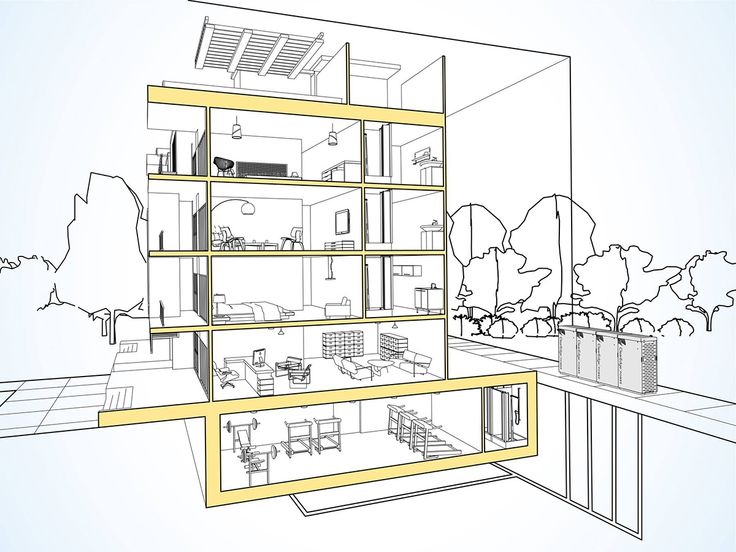
Construction compliance plans

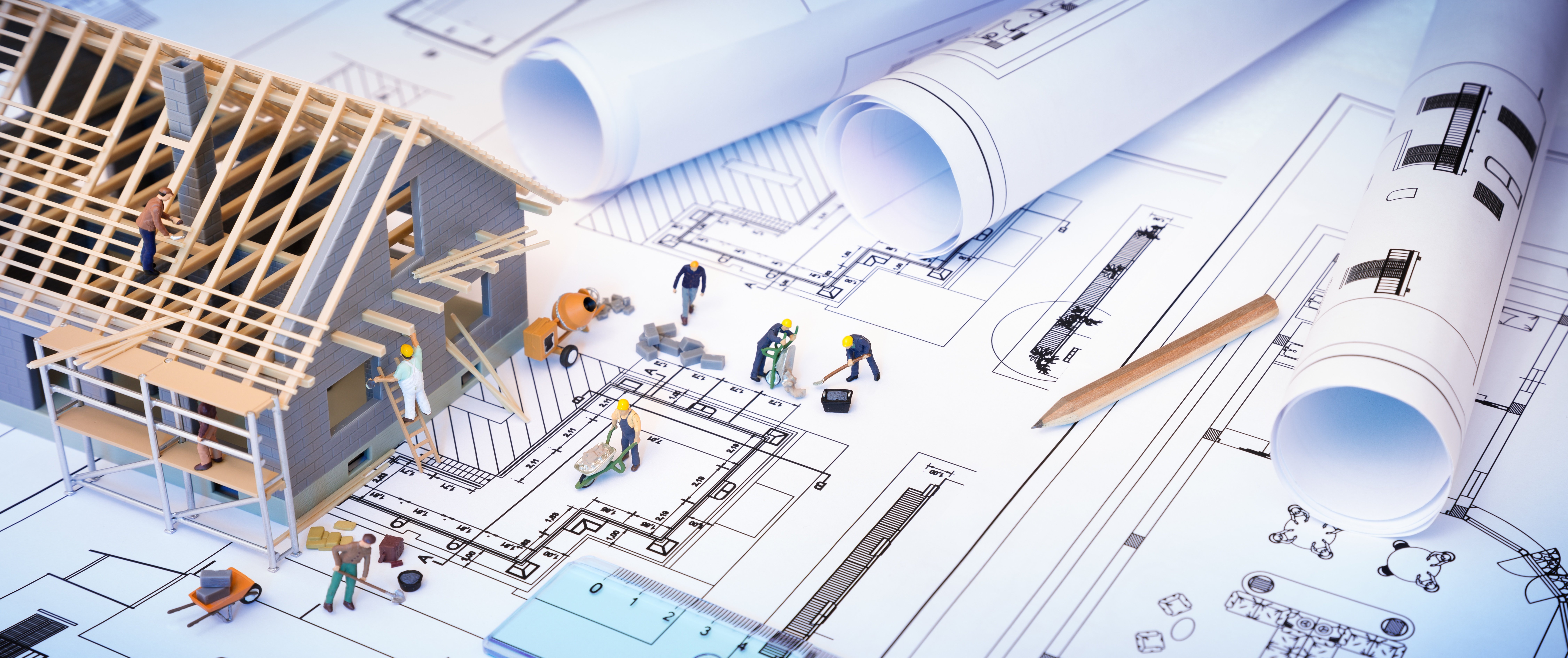
compliance documentation

Map coverage
Architect at desk
500+
Jurisdictions covered
10
U.S. States
6,700+
Zoning Districts
<60s
Per compliance check

Aerial construction view
How it works

Enter an address. Get cited results in under 60 seconds.

No PDF hunting. No calls to the planning department. Codecheck reads the live ordinance data and returns a full pass/fail report: with every result linked to the section it came from.

Who Uses Codecheck

Built for every team in the pre-construction phase

Anyone who needs to verify whether a project is code-compliant before design, permitting, or purchase.

Architect
Architects & Designers
Verify feasibility before schematic design

Check setbacks, height limits, and use permissions before investing hours in a design that won't pass plan review.

Contractor
General Contractors
Confirm scope before bidding

Know what the code allows on a site before submitting a bid. Catch dimensional or use conflicts before they become RFIs.

Developer
Developers & Owners
Screen sites before acquisition

Run a compliance check on any parcel during due diligence: before paying for a survey or retaining a design team.

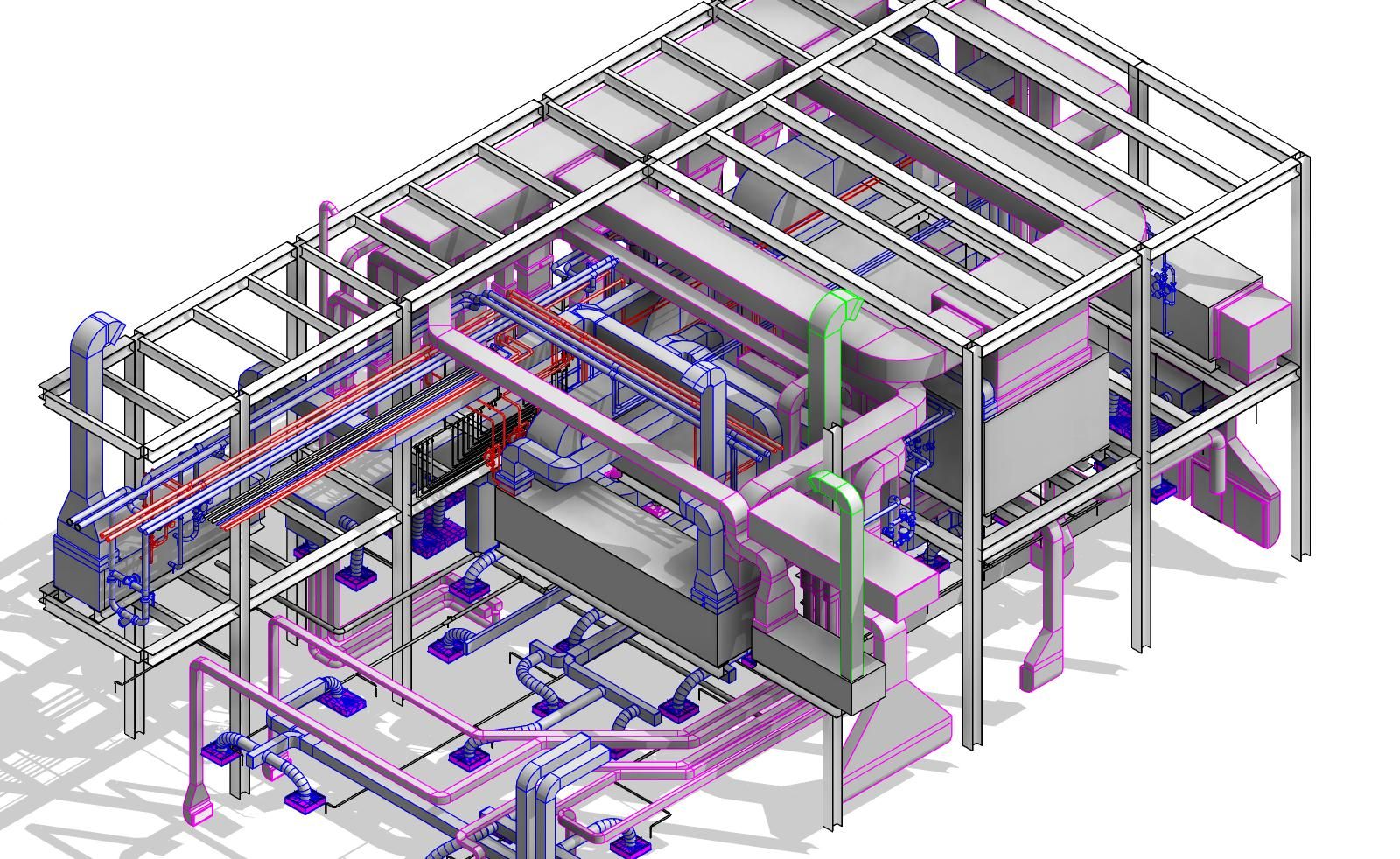
Revit BIM model

BIM model coordination

Revit screen
BIM model
// Product 02: Available for Revit 2024

Revit Plugin Suite

A suite of native Revit 2024 add-ins that automates the coordination and fabrication preparation tasks BIM teams perform on every project. Each tool targets a specific workflow and operates independently, allowing teams to adopt individual capabilities without committing to a full suite deployment.

In-model compliance verification
Project compliance checks run directly inside the Revit environment. Site address, building height, and parcel data are read automatically from model elements, and results are returned without leaving the application.
Automated assembly sheet generation
Assembly sheets and their associated schedules are generated automatically from selected model elements. Crop regions are fitted to content without manual adjustment, eliminating the setup work that currently occupies BIM teams at the start of every fabrication package.
Fabrication pipeline export
Piping fabrication data is exported to PCF and isometric formats directly from coordinated Revit models. Geometry issues in elbow and fitting elements are resolved automatically during export, and support block placement is handled without manual intervention.
Hanger and support element numbering
Duct and pipe support elements are renumbered automatically using configurable grouping rules based on fabrication dimensions, service type, and line routing. Numbering sequences that previously required manual tracking and verification are produced in a single operation.
Batch Navisworks export
Multiple Revit 3D views are exported to NWC format in a single operation with configurable view selection, file naming conventions, and output directory settings. A process that previously required individual manual exports for each view is reduced to a single action.
Parameter-based element selection
Model elements are selected by filtering on service type, element category, family, or fabrication-specific parameters. Selection sets can be saved and recalled across sessions, enabling consistent and repeatable coordination workflows without rebuilding selection criteria for each use.
Request a demo Plugin details
Construction site

The tasks that fill afternoons: done in seconds.

From hanger renumbering to PCF exports to assembly sheet generation: each plugin was built to replace a specific task that BIM teams do manually, repeatedly, every project.

// Product 03: In Development: Expected 2025

Construction Automation Platform

A platform connecting Codecheck, the Revit plugins, and external tools: Procore, Autodesk Build, fabrication ERPs: into a single workflow dashboard. Removing the manual data handoffs that currently require someone to move information by hand between systems.

Built with input from early users. If you want to help shape what gets built first, join the list.

01
Two-way data sync between Codecheck, Revit, and project management tools: no manual copy-paste
02
Project dashboard: compliance status, BIM task completion, and permit review in one view
03
Automated fabrication scheduling: spool sheets and shop calendar generated from the coordinated model
04
REST API for custom integrations: connect your existing tools to the Swiftcon data layer
Join early access list
City construction aerial
Get started

Start with Codecheck. It's free.

No account required. Enter any U.S. address and get a full compliance breakdown. Takes under 60 seconds.

Try Codecheck Talk to us